
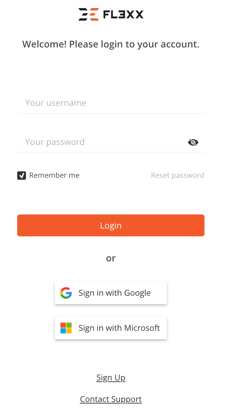
- Go to the web application login page https://app.fl3xx.com/ (International) or https://app.fl3xx.us/ (North America)
- Click "Reset Password."
- Enter your username and click "Reset Password".
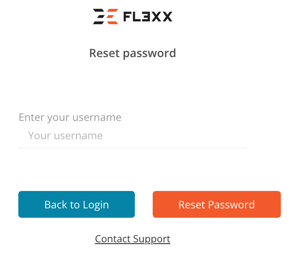
- An email with further instructions will be sent to the login email address associated with your access to the system. For users who have not yet transitioned to using their email as their login, the email will be sent to the address found in your contact details.

- Password reset link is valid for 15 minutes.
- Please contact your company system administrator and/or support@fl3xx.com if you are unable to reset your password with the above steps.